

Too much client work is still living in your head
A client asks for something on a call. A note goes into a doc. A task stays in your inbox. A next step gets added to memory. By the end of the week, you know there are open loops, but it takes effort to see what needs attention.
Client notes are spread across calls, docs, email, and memory.
Open tasks are easy to miss when several clients are active.
You are not ready to hire more help, but doing it all yourself is getting expensive.
What Staffynex helps you keep organized
Pick one client workflow that keeps getting messy. Staffynex helps organize the notes, open items, promises, blockers, and next steps so you can see what needs attention.
Pulls together client notes and open items.
Organizes what was promised and what is still pending.
Prepares a simple view of what needs attention this week. Updates your sheet, tracker, or working document.
Drafts internal notes and next steps for review.
Keeps the workflow moving without replacing your judgment
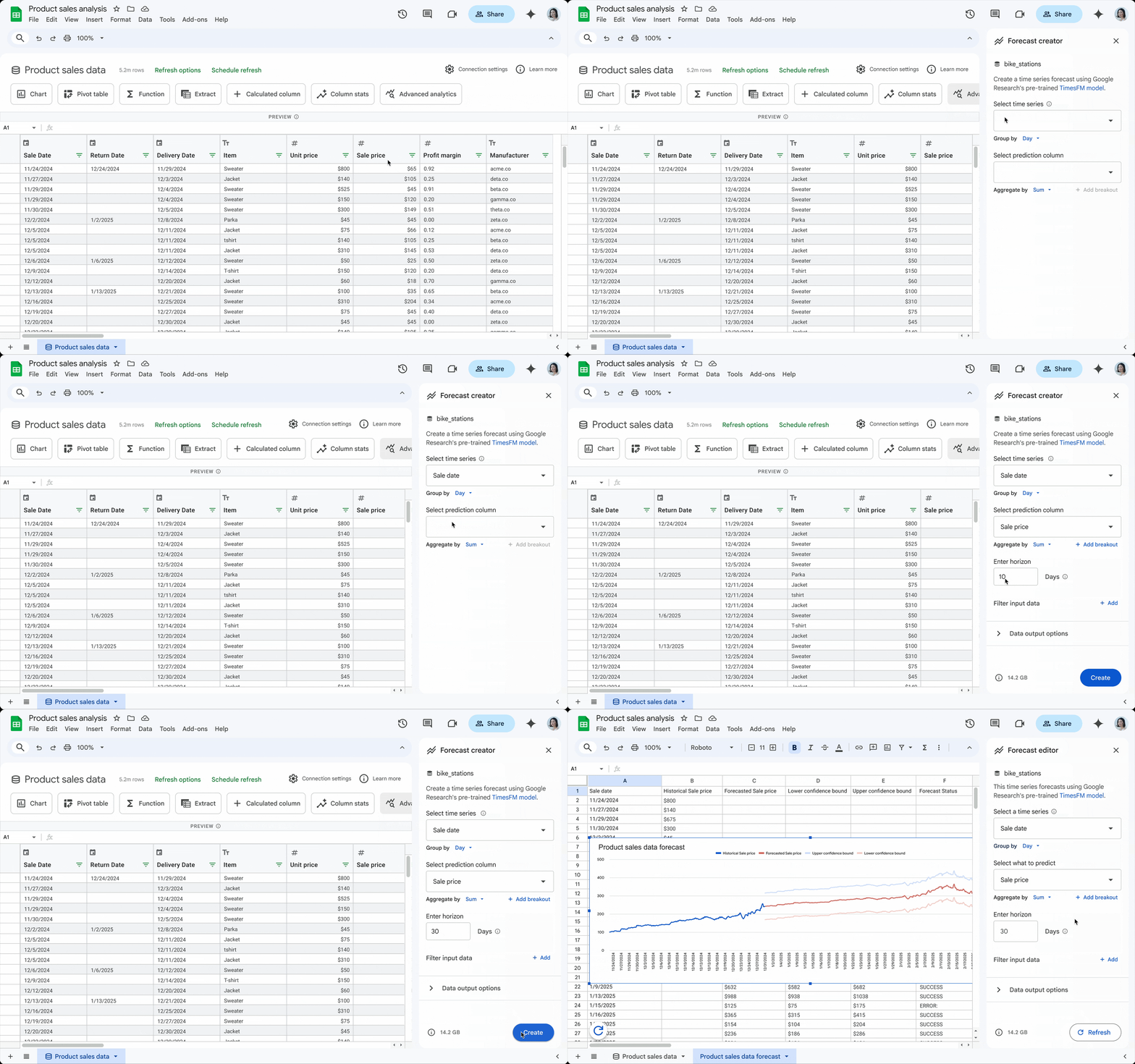
Works around the tools you already use
Email, docs, sheets, notes, calendars, and chat.
No big software change first.
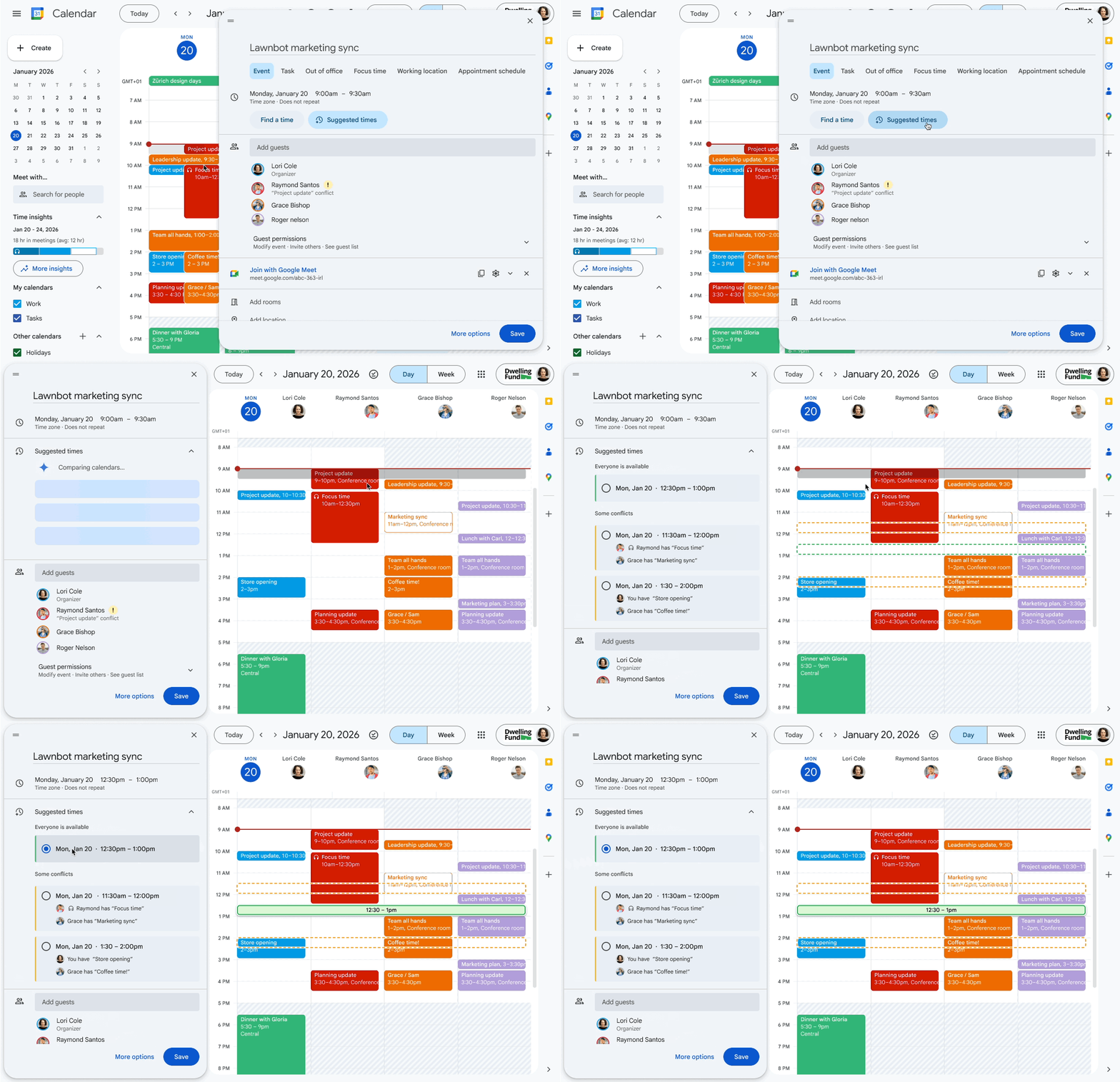
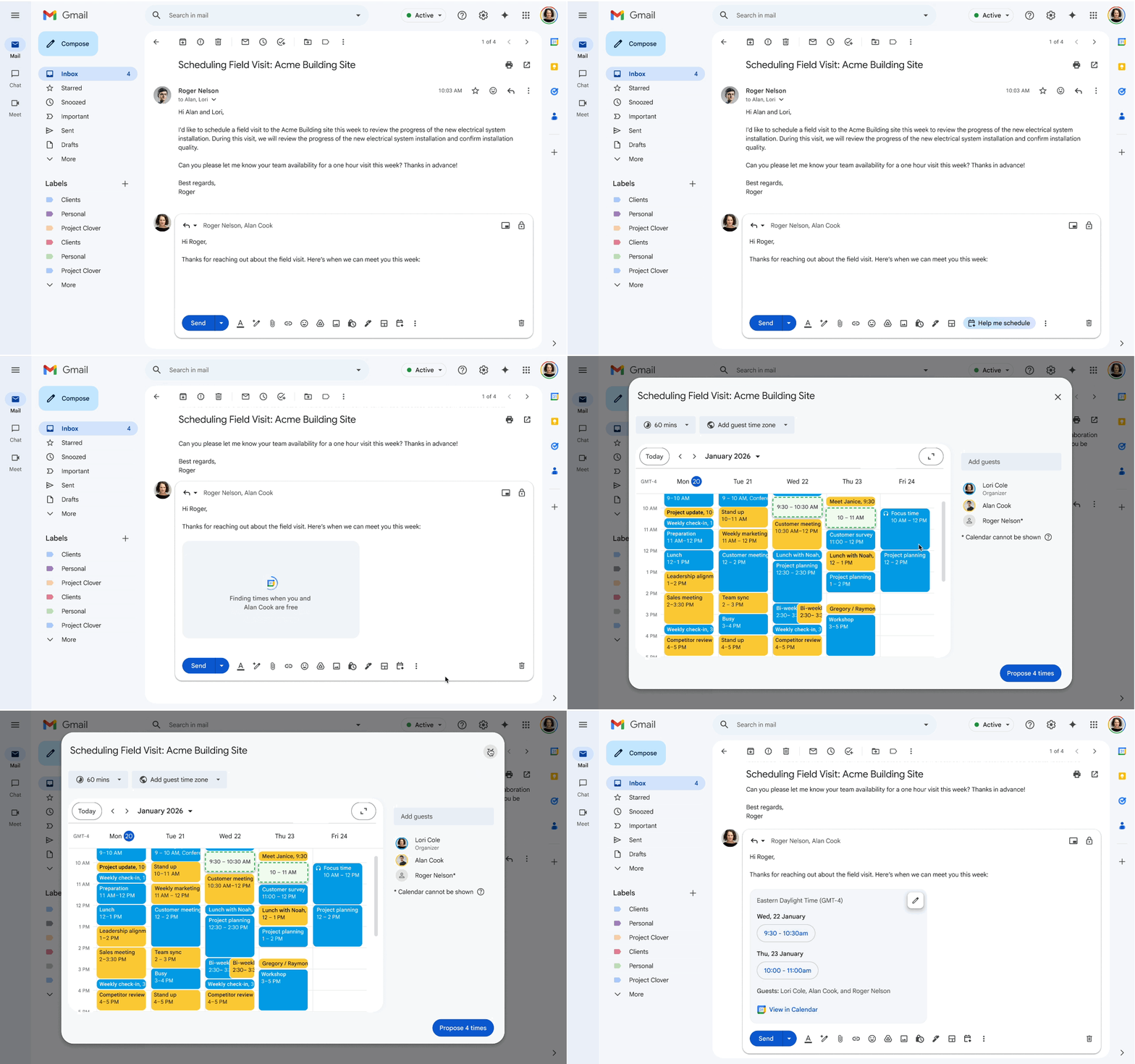
Google Workspace


Messaging / coordination
-Logo_wine.png)


Records / Sheet Updates
_svg.png)

Good first workflows to review
Start where client work is already getting hard to track.
What did we promise each client?
Organize client promises, open items, blockers, and next steps across active accounts.
What needs attention this week?
Create a simple weekly view of client tasks, risks, and pending items.
What happened before this project started?
Turn sales notes, emails, and call takeaways into a clean handoff before delivery begins.
What is missing from the tracker?
Clean up stale notes, missing next steps, and incomplete client records before your weekly review.
Start with the workflow where losing track creates the clearest cost.
AI help, with human control
Staffynex uses AI to help organize information, prepare drafts, update records, and suggest next steps. Sensitive actions stay reviewed by a person.
-
Client-isolated environments hosted on AWS
-
Structured workspace and memory architecture for continuity across days
-
Controlled tool access, guardrails, and human approval on sensitive actions
-
OpenClaw-based orchestration connected to real internal workflows


Built on AWS-hosted, Linux-based environments with OpenClaw orchestration, structured memory files, and controlled tool connectivity.
Common Questions
What exactly does Staffynex help with?
It helps organize one recurring client workflow first: notes, open tasks, promises, blockers, next steps, drafts, and clean tracker updates.
Is this replacing an assistant?
No. It can help before you hire an assistant, or make your current support more organized.
Do I need to change my whole operation to use it?
No. We start with one focused workflow first so you can prove value without a full rebuild.
Will it contact clients for me?
Not without review. Staffynex can prepare drafts and next steps, but you stay in control.
How long does it take to see value?
The first pilot is designed to run in 30 to 60 days.
What happens after I submit my workflow?
We review what you described and tell you if it looks like a good first workflow to fix. If not, we will say that.